
An appointment reminder should help a patient do something: remember the visit, find the right location, complete a form or tell the clinic they cannot attend. A message that only says “you have an appointment” may leave the front desk answering the same questions it was meant to prevent.
Cortico reminders use appointment details and clinic configuration to build the message. The examples below follow the product’s actual message templates, with fictional patient and appointment details.
See the reminder wording Cortico uses
These examples show the core message for a same-day appointment. Link text and other details depend on the clinic’s configuration. They are not a separate pack of suggested copy.
In-person appointment SMS
The in-person template names the provider, time, clinic and address. Check that the location matches the booked visit, especially if the provider works at several sites.
Phone appointment SMS
The phone template states which number will receive the call. Keeping the patient’s contact details current is part of making the reminder useful.
Video appointment SMS
The bracketed link is a placeholder for this fictional example. In the product, the available link or joining instruction comes from the configured appointment workflow.
Appointment links
Depending on the reminder branch and configuration, Cortico can append “Manage:” with the patient portal link, or “Click here to confirm:” with an appointment link. Check the destination before telling patients they can cancel, confirm or change a booking there.
Email greeting by visit format
The email greeting also changes with the appointment medium:
These are greeting excerpts from the actual email template, not complete emails. The full reminder adds the appointment details and configured content.
Include the details that prevent another phone call
Before approving a message, check five things:
| Detail | Why it matters |
|---|---|
| Recognizable clinic name | The patient can tell who sent the message |
| Date and time | The patient can identify the correct appointment |
| Location or visit format | The patient knows where or how to attend |
| One clear next action | The patient can confirm, view details or contact the clinic |
| A route for help | Patients who cannot use the link can still resolve the task |
Use the patient’s agreed contact details and your clinic’s communication preferences. A reminder can appear on a shared device or a lock screen, so review which details are appropriate in the message itself.
Also check the sending channel. Do not write “reply to this message” if nobody monitors replies or if the system cannot process them. A confirmation link and a monitored two-way conversation are different capabilities.
Match the message to the reminder workflow
Good wording cannot fix an incorrect appointment source. If a booking changes in the EMR but the reminder tool still holds the old details, a polished message can confidently send the patient to the wrong place.
Cortico’s appointment reminders use appointments in the connected EMR. The documented standard schedule includes email reminders ahead of the visit and an SMS reminder close to the appointment; available settings and patient actions depend on the configured workflow and integration.
Available wording and actions depend on the reminder type and clinic configuration. Check your clinic’s supported options before changing a message.
For a workflow example, read how Oceanstone Medical Clinic uses reminders and secure messaging to reduce routine outbound calls. The useful lesson is the connection between the appointment, the message and the patient’s next action.
Make cancellation and rescheduling clear
Patients need to know whether an action cancels the existing visit, requests a change or immediately books another time. Use those terms consistently across the message and the destination page.
If the clinic has a cancellation policy, link to the current version and have the team approve how it is communicated. A reminder should not introduce a surprise fee or imply that a change has been completed when staff still need to review it.
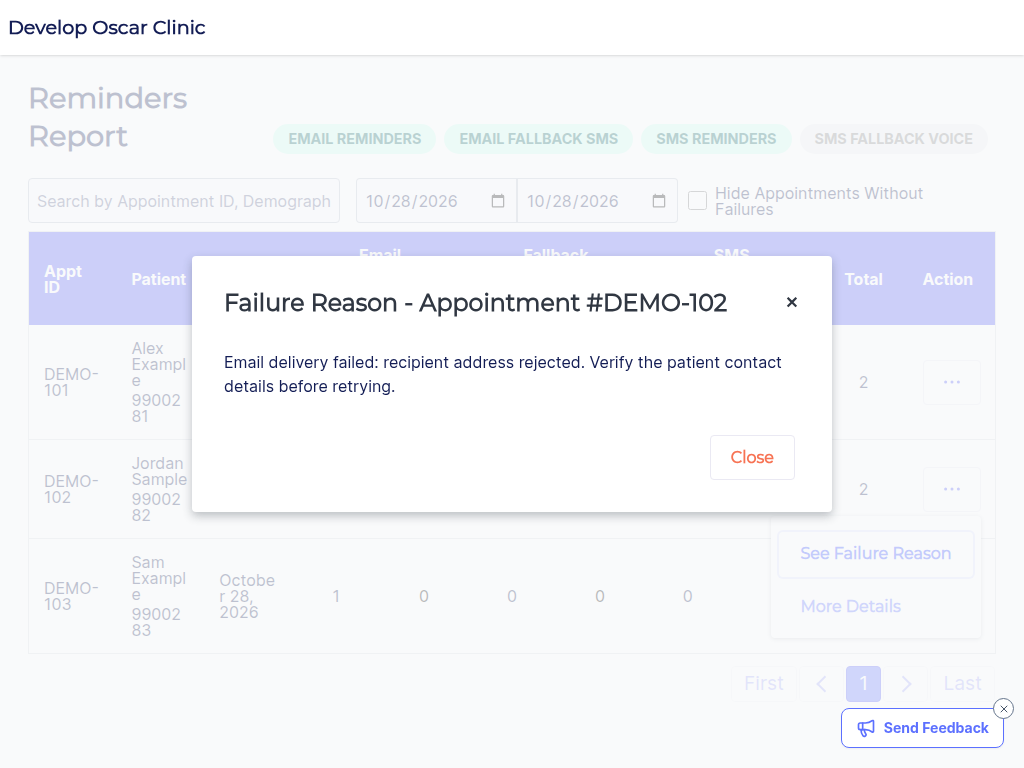
Then assign the follow-up. Who checks a failed message? Who handles a cancellation that leaves an opening? Who contacts a patient who cannot access the link? Those decisions turn an outgoing reminder into a working process.
Measure more than messages sent
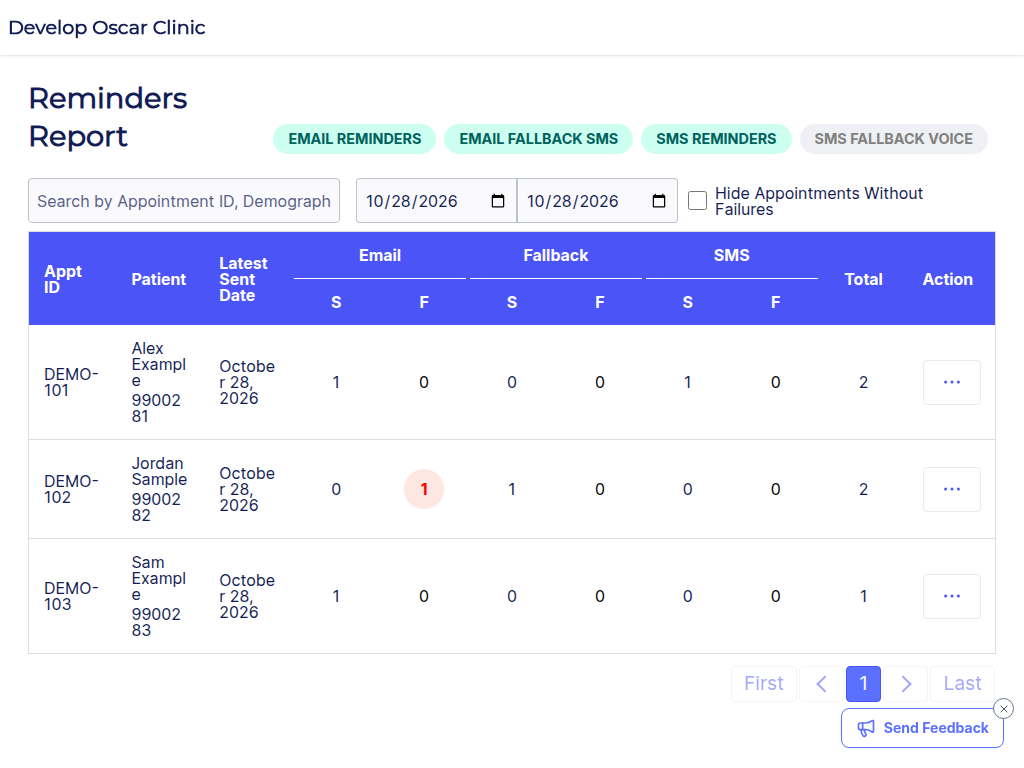
Review delivery failures, confirmation or cancellation actions, routine reminder calls and no-shows for comparable appointment types. A message marked sent is not proof that the patient received or understood it.
Start with one appointment type and a small, reviewed set of messages. When the workflow works reliably, extend it to other visits with the appropriate instructions.
Should SMS and email use identical wording?
They can share the same purpose, but SMS needs a shorter route to the action. Use email or the secure destination for longer location and preparation instructions.
What should a clinic do when delivery fails?
Give the failure a staff owner and an approved fallback. Check the contact details and the patient’s communication arrangements rather than repeatedly sending the same message to an unusable address.
Want reminders tied to the appointments already in your EMR? See Cortico’s reminder workflow and bring one appointment type to the demo.