


Link Copied!
Link copied to Clipboard.
Assign, track, and manage patient tasks with ease.
Existing customer? Sign in

Assign tasks like booking appointments, filling out forms, or submitting photos directly to your patients.
Assign forms, photo submissions, bookings, and other tasks to patients
Each task is tracked, not left to memory
The clinic sees what is done and what is outstanding
Closes the gap between "asked the patient" and "patient did it"
A patient often leaves a visit with things to do — a form to complete, a photo to submit, a follow-up to book — and a clinic has no easy way to know whether any of it actually happened. Cortico changes that by making each of those a tracked task: staff assign it directly to the patient, and the clinic can see it through to done instead of hoping.
Make it easy for patients to stay organized.
Every task in one place in the patient portal
A clear checklist instead of scattered instructions
Patients complete each task without leaving the portal
Less confusion about what the clinic needs
From the patient's side, instructions scattered across a handout, a text, and a verbal reminder are easy to lose. Cortico puts every task in one place in the patient portal — a simple checklist of what the clinic needs and how to do it — so the patient is not piecing together what they were asked to do.
Cortico follows up on outstanding tasks so the clinic does not have to.
Automatic reminders for tasks the patient has not finished
Follow-up continues until the task is complete
No manual chasing calls for the front desk
Staff focus only on patients who need help
Assigning a task is only half the job — an incomplete form is still an incomplete form. Cortico reminds patients about outstanding tasks automatically until they are complete, so the front desk is not making "did you fill out the form yet?" calls. The follow-up is consistent, and staff step in only for the patients who genuinely need help.
Every task is something the patient can actually finish in Cortico — not just a notification.
Forms, photos, and bookings completed inside the portal
No bouncing the patient between separate tools
Completed tasks sync into the EMR automatically
No staff re-entry of patient-submitted information
A reminder that points a patient somewhere else just adds a step. Cortico's tasks are completed in the portal itself: a form is filled out there, a photo is uploaded there, an appointment is booked there. And because Cortico syncs with the EMR, a completed task lands in the patient's chart with no staff re-entry.
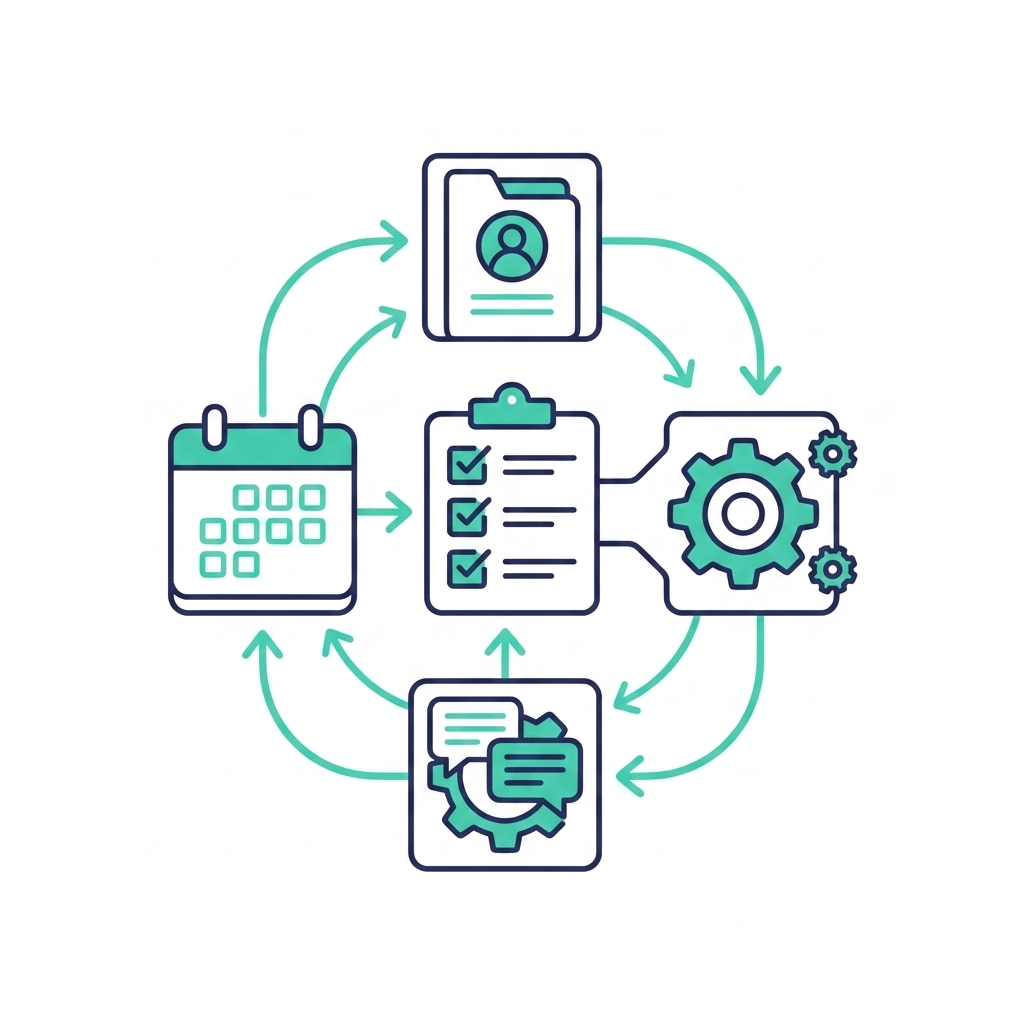
Patient task management works with the rest of Cortico's toolkit.
Pairs with EMR task automation for the staff side of the loop
Works with patient intake software for form-completion tasks
Connects to automated image upload for photo-submission tasks
Complements patient scheduling software for booking tasks
Patient tasks and staff-side automation are two halves of the same loop — what the clinic needs done, and who follows up. Cortico connects them so onboarding, intake, and follow-up run without manual handoffs. To see how patient task management could work in your clinic, book a demo below or Contact Us.
Related Reading
Cortico powers clinics in Surrey, BC, Vancouver, BC, Toronto, ON, North Vancouver, BC, Burnaby, BC, Chilliwack, BC, Calgary, AB, Mississauga, ON, Ottawa, ON, Abbotsford, BC, Victoria, BC, Brampton, ON, and 49+ more cities.
Frequently Asked Questions
It lets a clinic assign, track, and remind patients on the things they need to do — completing a form, submitting a photo, booking a follow-up. With Cortico, every task is tracked through to completion rather than left to the patient’s memory.
Get a demo tailored to your practice.
Active Healthcare Professionals
Tasks Automated Every Month*
As of 2026. *Task = any interaction where Cortico performed a clinical administrative task on a human's behalf.