


Link Copied!
Link copied to Clipboard.
Request a mass email service from your Cortico dashboard, then use it to build lists and send newsletters and announcements to your patients.
Existing customer? Sign in
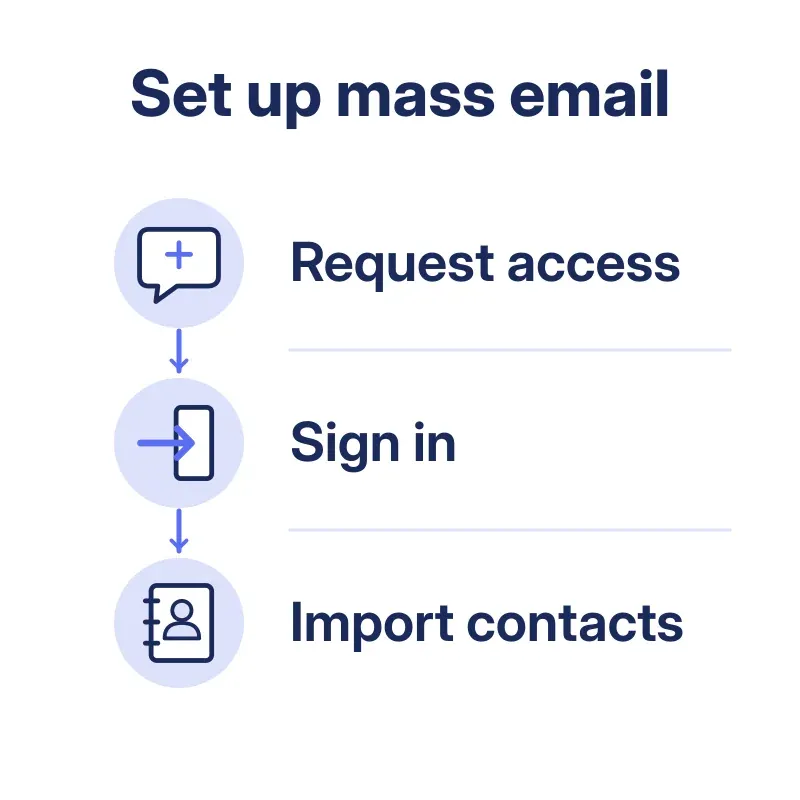
A mass email service that the Cortico team sets up for your clinic on request.
Request access from the Mass Email tile on your Cortico dashboard
Cortico's Customer Support team sets up your clinic's mass email account
Your clinic signs in with its own username and password
Upload a contact list exported from your EMR as a CSV file, then build and send a campaign
Some messages are meant for many patients at once. Cortico's Mass Email gives your clinic a dedicated mass email service for those. A clinic admin opens the Mass Email tile on the Cortico dashboard and requests access. Cortico's Customer Support team then sets up an account for your clinic and sends you the login details. From there, your team signs in, uploads a contact list exported from your EMR as a CSV file, builds a campaign and sends it. It works with any EMR that can export patient email addresses.

Use a list to announce flu clinics and send recall-style reminders.
Send a flu clinic or vaccination announcement to a list your team has built
Send a recall-style reminder to a list of patients due for a routine visit
Campaign statistics show opens and who has not opened the email
Your team writes the message and chooses when to send it
Patients cannot act on a service they have not heard about. A mass email lets you tell a whole list at once. Clinics typically use this kind of message to announce a flu clinic, to remind a list of patients that a routine visit or screening is due, or to share seasonal health information. Your team decides who is on each list and what the message says, and campaign statistics show who opened it. For recalls that lead straight to a booked visit, see patient recall software.

Announce new providers, hours changes and practice news in one send.
Announce a new provider or a provider's departure to your patient list
Tell patients about changes to hours, closures or a new address in one send
Share practice news in a newsletter
Every patient on the list receives the same information
When something changes at the clinic, patients call to ask about it. An announcement can reach them first. Typical uses are a new provider joining the practice, a change to opening hours, a holiday closure, a move, or general practice news. One email to your list gives every patient the same information on the same day, and your front desk can point callers to it. Regular news from the clinic also keeps your practice familiar to patients between visits.
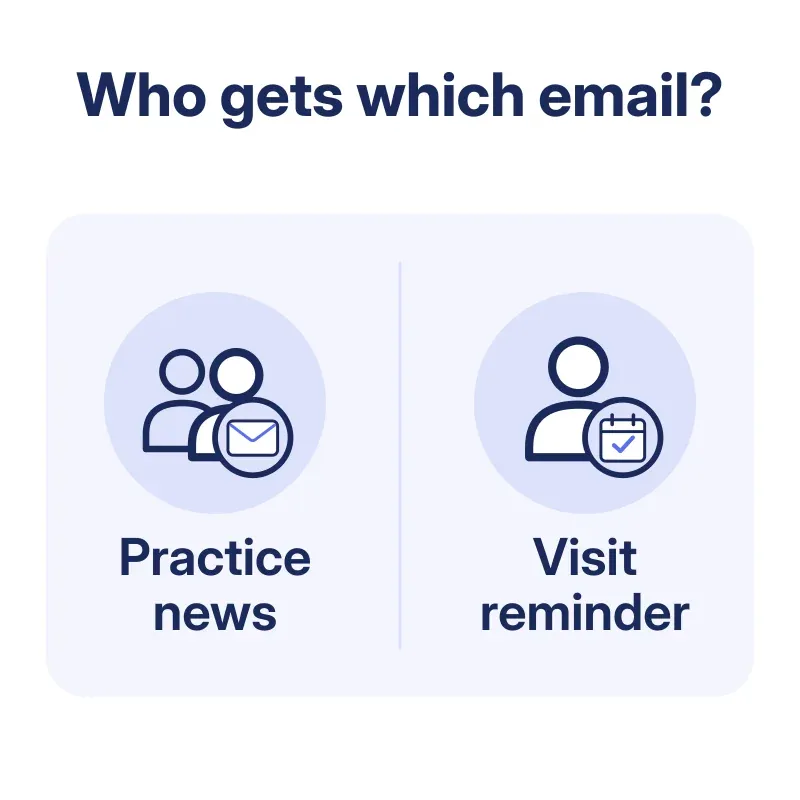
Mass Email sits beside Cortico's per-patient emails and reminders.
Mass Email is a separate service with its own sign-in, set up for your clinic
Per-patient emails stay in medical email reminders
Works with any EMR that can export patient email addresses to a CSV file
Available on request from the dashboard when your clinic is ready to start
Mass Email is for messages that are the same for everyone on a list. Emails about one patient's appointment are handled elsewhere in Cortico: medical email reminders covers the emails sent to individual patients, and patient messaging covers one-to-one communication. Keeping the two apart is good practice. A bulk email should carry general information only, with no health details, and we recommend deleting the uploaded contact list once the campaign has been sent.
Cortico powers clinics in Surrey, BC, Vancouver, BC, Toronto, ON, North Vancouver, BC, Burnaby, BC, Chilliwack, BC, Mississauga, ON, Abbotsford, BC, Ottawa, ON, Victoria, BC, Calgary, AB, Brampton, ON, and 53+ more cities.
Frequently asked questions
A clinic admin opens the Mass Email tile on the Cortico dashboard and requests access. Cortico’s Customer Support team sets up your clinic’s account on a dedicated mass email service and gives you a username and password. Your team then signs in to that service, uploads a contact list and sends its campaigns. If you would rather not do these steps yourself, ask about having Cortico’s team send a message you have written.
Get a demo tailored to your practice.
Active Healthcare Professionals
Tasks Automated Every Month*
As of 2026. *Task = any interaction where Cortico performed a clinical administrative task on a human's behalf.