



Cortico is patient intake software for primary care clinics. Patients complete your intake forms on their own phone before the visit, or on a self-check-in kiosk when they arrive, and the answers land in your EMR as structured data, not as a PDF someone has to open and re-type. Clinics save up to 10 minutes of combined staff and patient time per form.
That last part is the whole argument. Most digital intake tools digitize the form. The paperwork still ends up as an attachment in a chart, and your MOA still transcribes it. Cortico closes the loop into the EMR, which is why the time saving shows up in staff hours instead of just in patient convenience.
What patient intake software does
Patient intake software replaces paper forms and manual data entry with digital forms patients complete before or at their visit. It handles the work between “the appointment is booked” and “the provider walks in”: demographics, health card details, reason for visit, history, consent, insurance, and any screening questions your clinic needs.
A complete patient intake system does four things:
- Sends the right form to the right patient at the right moment: tied to the appointment type, not blasted at everyone.
- Collects answers in a consistent, structured format, so the same question always produces the same field.
- Writes the data into the EMR without a human retyping it.
- Flags what needs attention before the patient is in the room.
Cortico does all four. If you want the conceptual version first, we wrote a longer guide on what patient intake actually covers.
How digital intake works with your EMR

This is where intake tools differ most, and where the marketing is usually vaguest. Three things can happen to a completed intake form:
| What happens to the data | What it costs your staff |
|---|---|
| PDF attached to the chart | Someone opens it and re-keys the fields that matter |
| Raw text pasted into a note | Searchable, but nothing populates a field |
| Structured fields written to the EMR | Nothing: the data is already where it belongs |
Cortico captures the exact dataset you specify and synchronizes it from the patient all the way into the EMR, which removes the transcription step and the transcription errors that come with it. All three destinations are real, they are settings on each form, and you can use more than one at once:
| Destination | How you turn it on | What it does |
|---|---|---|
| Structured fields | Map a question to an EMR patient field | Writes the answer into the patient’s record in the EMR: address, phone, email and the like |
| PDF in the chart | Enable PDF upload on the form | Files the completed form into the chart as a document, optionally onto your own PDF template |
| Raw text in the note | Flag questions for the note or the reason-for-visit | Drops the question and answer into the appointment note or reason for visit |
An important distinction for EMR shortlists: structured write-back targets the patient record, not arbitrary chart fields. Because it runs through the same patient-update path every integration implements, it works on Practice Fusion and the other GOOD-tier EMRs, not just the oldest Oscar integrations. What varies by EMR is document upload and lab-style results, which are deeper. No EMR gets full form answers mapped into discrete clinical chart fields. That is a real ceiling, not a Practice Fusion quirk.
Alert thresholds are real and they are per question. On a numeric question you set a threshold and a direction: alert when the answer is above it or below it. An answer that crosses the line is flagged in red on the staff view of the response while staying unmarked on the patient’s own copy. Multiple-choice answers can carry an alert flag the same way, and an answer can be set to stop the booking outright rather than merely flag it. So a screening answer that should worry someone surfaces to staff instead of sitting in a form nobody reads.
Be honest about your EMR
How deep the write-back goes depends on your EMR. Cortico rates its integrations in tiers, and we’d rather you know the tier before you buy:
- COMPLETE+: WELL OscarPro (including KAI and THT), Flow EMR, and OpenOSP (OpenOscar). The deepest integrations. Note that WELL OscarPro charges an integration fee; Cortico covers half of it.
- COMPLETE: Accuro, Juno EMR, and Oscar 19. Excellent, with minor differences. On Accuro, plugin automations work in the web-based EMR only, and file attachments are limited to the Documents, Generated Letters, Clinical Notes, Forms, and Labs folders.
- Good compatibility: MPeer, NextGen Office, OpenEMR, Practice Fusion, and Profile (Intrahealth). These miss some small features: MPeer doesn’t support file upload to the EMR, and on Profile, file attachments are manual rather than auto-loaded.
- In progress: PS Suite, MedAccess, Epic, and Myle. PS Suite and MedAccess clinics can use Cortico today, though there is no TELUS partnership and Cortico is not a TELUS-endorsed integration. Email [email protected] to be queued.
One specific limit worth naming: uploading documents directly to a patient’s e-chart is currently supported on OpenOSP and WELL OscarPro only. On other EMRs, uploaded files reach the clinic securely but don’t auto-file to the chart.
If choosing an intake tool by EMR fit is the decision you’re actually making, that comparison is the one to run first.
Contactless patient intake, then the kiosk
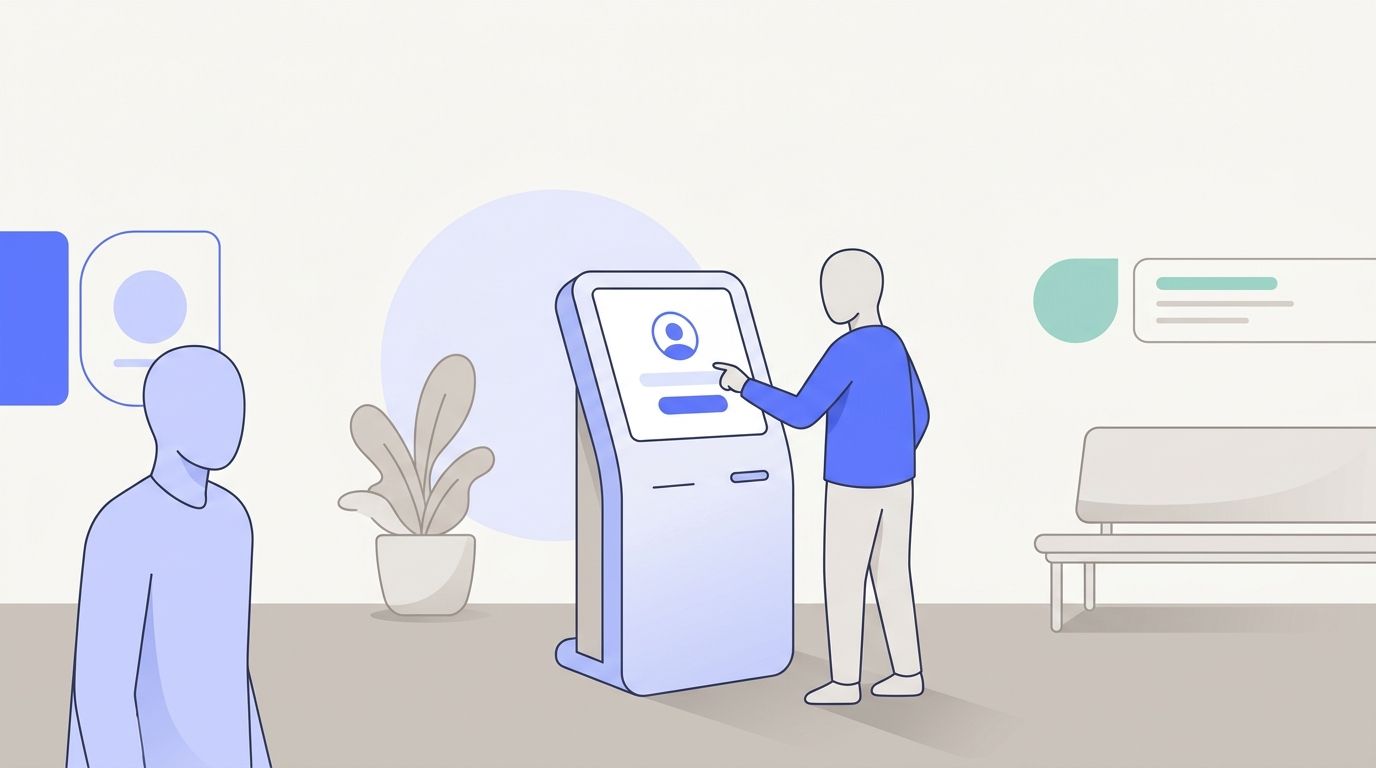
Contactless patient intake means the patient uses the device already in their pocket. Cortico sends the intake form ahead of the appointment; the patient opens it from their phone or computer, on their own time, with no app download and no login. They arrive prepared, and your waiting room isn’t a room full of people filling out clipboards.
Not everyone completes it in advance. That’s the gap the self-check-in kiosk closes. It’s an iPad terminal at the front desk that handles registration, intake questionnaires, and health card collection, and pushes live status updates back to the EMR. Clinics using the kiosk report up to 95% less MOA workload at check-in.
Be clear about the distinction, because vendors blur it: the phone flow is genuinely contactless, and the kiosk is a shared touchscreen. Together they cover both patient types, the ones who prepare ahead and the ones who don’t. Neither path ends with your staff typing.
The kiosk pairs with a queue system that tracks the “now serving” number and the count of patients waiting, and can display wait times on your clinic’s public website so patients know before they walk in.
Ready to see it on your EMR? Book a demo and we’ll show the intake-to-chart path on your actual system.
Forms, uploads, and signatures
Custom intake forms are built for your clinic on the Premium plan and up, both diagnostic and administrative. They’re not a fixed template library; the forms are built to your workflows and to the dataset you need.
Alongside the forms themselves:
- Patient file uploads. Patients can upload any digital file before the appointment: an insurance card, a photo of a rash, a specialist’s letter, a vaccine record.
- Requested uploads. From the Tasks page, staff can ask a specific patient to complete a form or send back a photo or document. It’s a request with a link, not a phone call.
- Automated upload to the chart. On supported EMRs, images and PDFs go straight into the EMR, confirmed in code, including on Practice Fusion. [VERIFY: confirm this feature page covers chart upload — not in code, ask product]
- Secure delivery back to the patient. Requisitions, results, and handouts go out through secure patient messaging, where the patient verifies with health card number and date of birth before anything opens.
- Signatures on consent and administrative forms. eSignature is a built-in question type in the form builder. Patients can draw a signature, captured as an image and rendered into the PDF that reaches the chart, or type their name. Either way the signature is stored encrypted alongside the rest of the response. Each submission is logged with a timestamp, the patient’s IP address, and the browser used.
Ontario clinics get a health-card version-code and expiry prompt that asks patients to update their card details before booking, which catches a common billing rejection before it happens.
What clinics actually save
Numbers, not adjectives:
| Outcome | Figure |
|---|---|
| Combined staff + patient time per form | Up to 10 minutes saved |
| MOA workload at check-in with the kiosk | Up to 95% less |
| MOA time returned each week | 3+ hours |
| Admin tasks automated overall | Up to 90% |
| Overhead per appointment, one clinic | $7 → $3 |
The mechanism is not mysterious. You stop paying staff to transcribe forms from paper or another system, and you stop losing room-time to patients filling out clipboards after they’ve arrived. We broke the arithmetic down in time savings of digital intake forms vs. paper.
Patient intake software by specialty
Primary care isn’t one workflow. Here’s how intake changes across the clinic types Cortico serves.
Family medicine
The long-relationship problem: most of what you need is already in the chart, and asking for it again wastes everyone’s time. Family practices use intake to collect what changed - medications, new symptoms, updated contact and insurance details - and route pre-visit screening questionnaires by appointment type, so an annual physical and a 10-minute follow-up don’t get the same form.
Pediatrics
Intake in pediatrics is filled in by a parent or guardian, often in a waiting room with a toddler. That argues hard for the phone-before-the-visit path.
Guardian details are captured separately from the child’s, as their own fields in patient registration: parent or guardian full name, guardian phone number, and the guardian’s relationship to the child. They stay attached to the child’s record and are carried into the chart notes on EMRs that support it, so the person who can be called is on file rather than buried in a form answer. One caveat worth naming on a demo call: a household with several children is handled as several patient records, not as one contact with multiple children hanging off it. [VERIFY: whether a combined multi-child household view is on the roadmap — not in code, ask product]
Walk-in clinics
Walk-in intake has no appointment to attach a form to, so the kiosk carries the load: the patient registers, completes intake, and enters the queue without stopping at the desk. Automatic walk-in triage (Premium) lets patients take an open time without picking a specific doctor, and the queue display shows current wait times on your website so people can decide before they drive over. Clinics can also flag when walk-in spots are full for the day.
Women’s health
Sensitive-history intake works better on a private device than on a clipboard in a shared waiting room or a shared kiosk. Cortico’s phone-first flow is the relevant one: forms are completed at home, and any documents the patient sends back travel through encrypted, auditable, redactable file handling rather than email.
Multi-provider and multi-site groups
Groups care about consistency more than any single form. Because Cortico captures a defined dataset in a consistent format, the same intake question produces the same field at every site, which makes the data usable for reporting rather than just for the visit.
How that works in practice depends on how your group is set up. A single Cortico account with several physical locations shares one library of intake forms across all of them automatically: build the form once, every site uses it. Separate Cortico accounts do not share templates; each holds its own. If your group runs as separate accounts and wants one standard intake form everywhere, raise it on the demo call, because it changes the setup.
Security and compliance
Intake data is PHI from the moment the patient starts typing. Cortico is SOC 2 Type 2 and ISO 27001 certified and compliant with HIPAA, PHIPA, PIPEDA, and PIPA. It’s verified under Ontario Health’s Virtual Visits Verification Program and complies with the Ontario Health Online Booking Standard. The BC Privacy Commissioner’s office reviewed Cortico and its recommendations were implemented.
Operationally: PHI in transit is encrypted with TLS 1.2 or better (patient messaging uses TLS 1.3), files are stored temporarily and are encrypted, auditable and redactable, and Cortico runs annual third-party penetration testing plus quarterly vulnerability scans. Threat-risk and privacy-impact assessments were conducted by external CIPP/C- and CISSP-certified reviewers.
What it costs
Custom intake forms are included in Premium ($119 per FTE provider per month) and Elite ($199). Essentials ($86) covers online booking, reminders, the patient portal, secure messaging, and video, but not custom intake forms. The minimum total monthly fee is $99.
The kiosk is $149/month for the first terminal and $50/month for each additional one, with iPads available through Cortico at $950 each; it’s also included in Elite. Full details are on our pricing page, and nothing is gated.
Getting started
Setup runs in three guided steps: connect your EMR and create a Cortico admin account, configure your appointment types and build your intake forms and messaging templates, then launch. EMR-specific getting-started guides exist for WELL OscarPro/Oscar, Accuro, Profile, and OpenEMR. If you want the fuller operational playbook before you commit, read our guide to implementing the perfect patient intake system and the six benefits of patient intake software.
Cortico is used by 600+ clinics across North America, with 8,000+ active healthcare professionals on the network.
See it on your own EMR. Book a demo and we’ll walk through intake end to end, from the form the patient sees to the field it lands in.
